
Every screen a shop window for the whole range.
Digital signage software made for baby gear: 3D & AR configurators shoppers can touch, with video, images and text around them. At the point of sale, on the trade-show stand and anywhere else a screen stands, programmed from the products already in your catalogue.
The endless aisle, on one square metre.
Shelf space and staff time are limited. A screen with the whole range on it is not, and it keeps working all day.
- Endless aisle
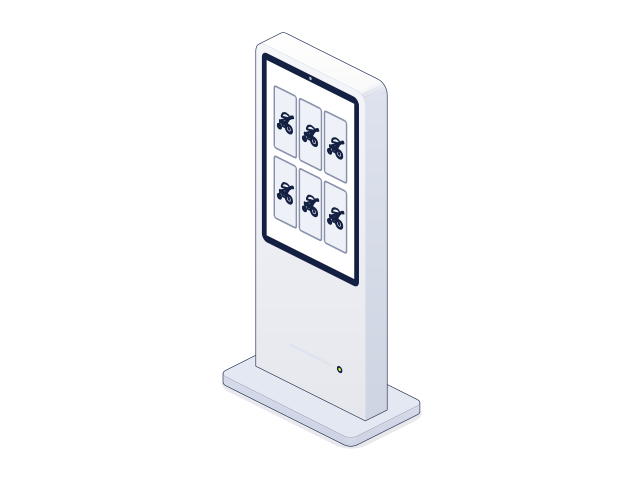
More range than the shelves hold
One square metre of screen shows the whole range: every model, every colourway and every accessory, including what the store does not stock.
- Edutainment
Shoppers busy, team free
Parents discover the product on their own, turning it, folding it, changing the fabric, while the team looks after the next customer. Nobody stands waiting.
- Functions
What is hard to demonstrate
Folding, reclining, ISOFIX fitting: animated in 3D, explained in seconds instead of minutes on the shop floor.
- Every colour
Boxes stay sealed
The exact colour on screen, so new stock is not opened to show it and stays sellable as new.
The store, the stand and anywhere else.
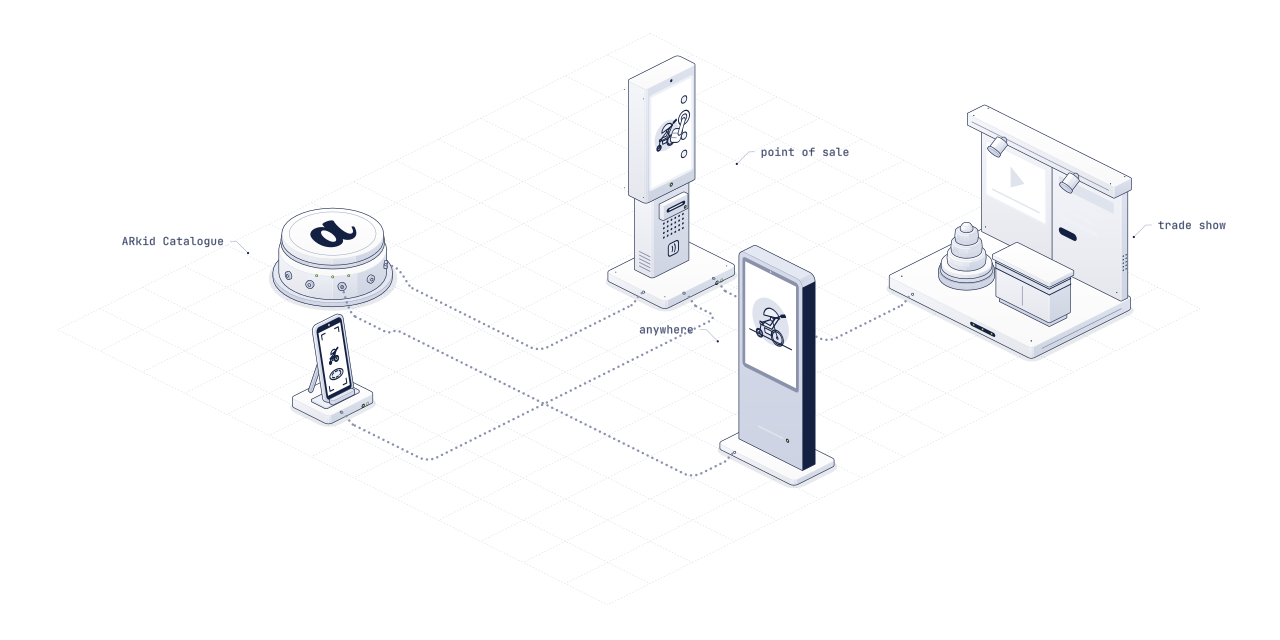
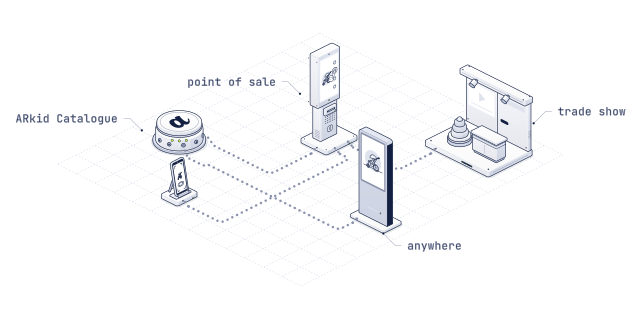
The same programs, wherever there is a screen: no separate production for the store, the stand or the window.
- Point of sale
In the store
A touch kiosk beside the shelf, a screen at the counter, a tablet in the aisle. The endless aisle and the eye-catcher in one.
ARkid In-Store - Trade shows
On the stand
The whole collection on the booth wall, without shipping a sample. Visitors configure it themselves, and the film runs when nobody does.
Fairs & training - Anywhere
Windows, showrooms, events
Shop windows after closing time, brand showrooms, pop-ups and lobbies: wherever a screen stands, the same programs run.
Digital signage, made for baby gear.
Built into ARkid Catalogue and made for the baby gear industry: program your screens with 3D configurators, films, images and text, straight from the products in your catalogue.
- 01
3D & AR on the big screen
Your configurators in full screen: shoppers switch colours and options by touch, and a QR code takes the product home to their phone in AR.
- 02
Video, images and text
Product films and brand clips, campaign visuals, prices and messages around them, in one program with the 3D.
- 03
Programs and channels
Line up clips with transitions and timings, and run different programs on different screens: one for the window, one for the counter.
- 04
Built from your catalogue
Slides take names, images and 3D viewers straight from the products you already have in ARkid Catalogue. No second content production.
- 05
Templates to start from
A product spotlight, a price promotion, a full-screen film or an interactive kiosk, ready to fill.
- 06
Updated from one place
Change a program once and every paired screen picks it up on its own. No USB sticks, no store visits.
From the first screen to the hundredth.
Screens are an investment. Before you buy one, we help you choose what fits the space, the use and the budget, and we stay until the first program runs.
The right screens
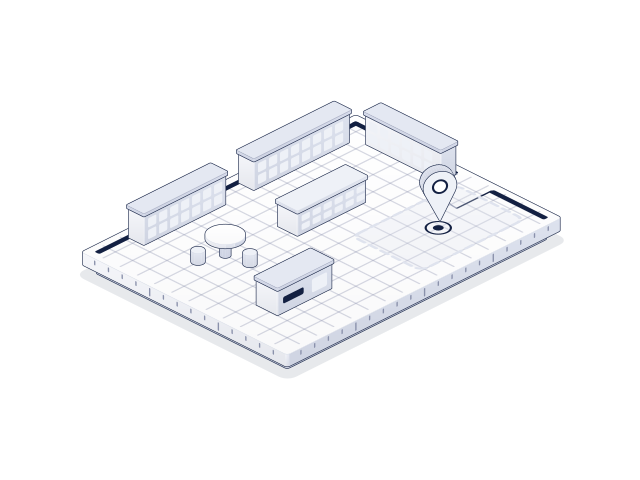
Kiosk, wall screen, tablet stand or the screens you already have: we look at the space, the light and the budget and recommend what fits.
Touch or no touch
Capacitive touch for a kiosk shoppers explore by hand; without touch, the product turns on its own as an eye-catcher. We help you choose per spot.
Set-up and connection
Players, mounting, kiosk mode and connectivity, including screens that go online on their own, independent of the store network.
Questions from the shop floor.
Do the screens need special software?
No. Every ARkid viewer and program is a web link. The screen opens it full screen in its browser, with nothing to install.
Can we use screens we already have?
Usually, yes. Most current screens and players with an up-to-date browser run ARkid. Tell us the model and we check it.
Touch screen or not?
Both work. Without touch, the product turns on its own and draws shoppers in. With capacitive touch, they explore it themselves.
How does new content reach the screens?
You change it once in ARkid Catalogue. The screens load it from there, so there is nothing to copy onto the device.
Signed off once. Current everywhere.
A screen that sells the whole range?
Tell us where the screens go and what is already there. We come back with a plan for hardware, content and set-up.