
One embed. Every major shop system.
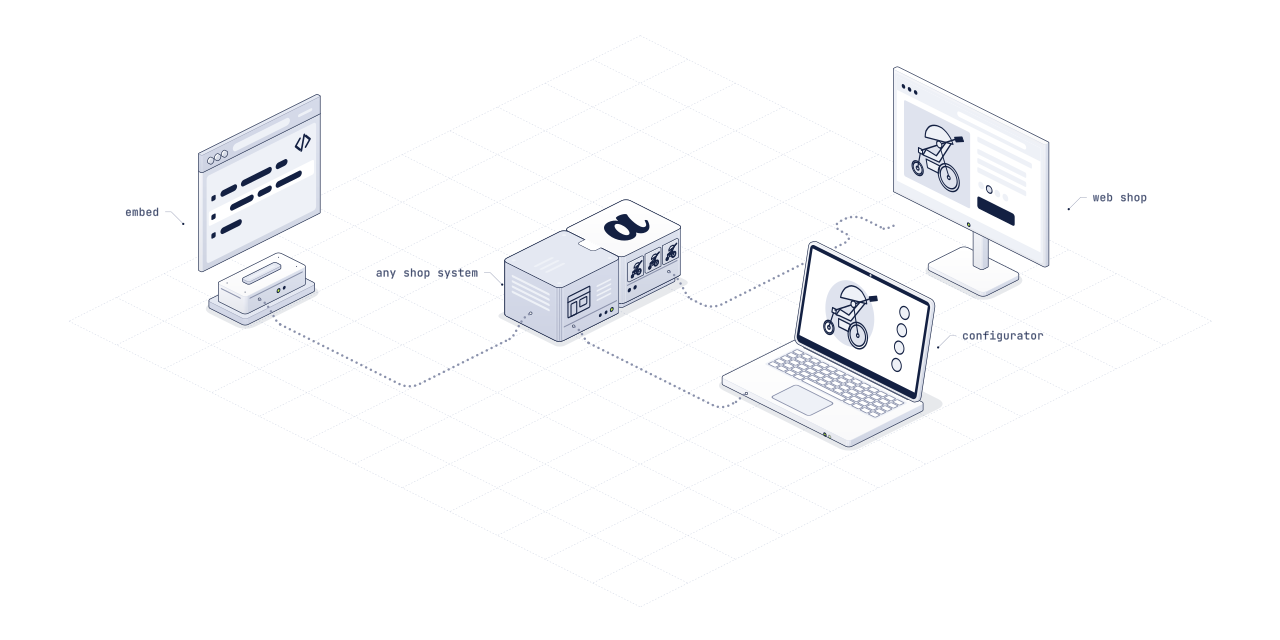
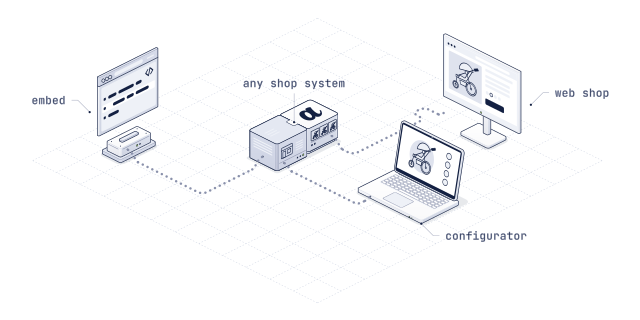
ARkid Catalogue ships adapters for the five shop systems most baby-gear brands and retailers run. No custom development per retailer, no SDK bundle to ship, no second checkout: one line of HTML or one plugin install, variant-linked, AR-ready and styled like the storefront.
Plug and play, in the sense the word actually means.
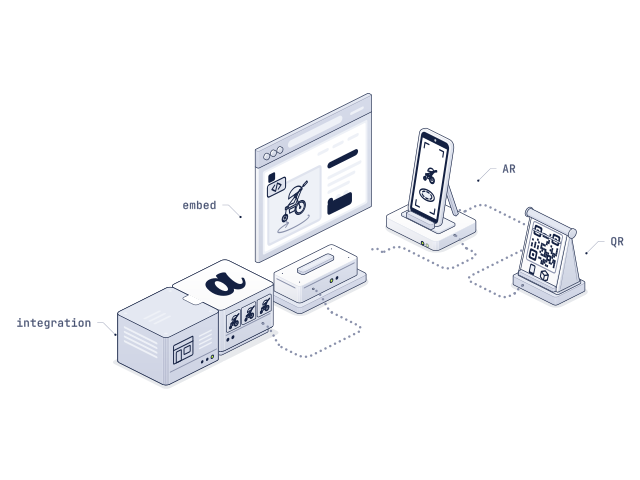
Every integration resolves to the same embed: a lightweight viewer, lazy-loaded on interaction and served from the Catalogue CDN. The shop-system adapter only handles what differs from one shop system to the next.
Paste it, and it renders.
Swap in the product ID and the viewer renders on the product page. In store, a QR code generated in Catalogue opens the same experience, no iframe needed. On a shop system, the adapter adds three things on top:
- Placement: where the viewer sits in the theme, inline with the gallery or next to the buy button
- Mapping: SKUs and variants to Catalogue IDs, from the shop’s native product attributes or the brand’s PIM feed (Akeneo, Pimcore, Contentserv)
- Branding: colour, typography and CTA label follow the storefront
<iframe
  src="https://catalogue.arkid.app/embed/{your-product-id}"
  style="width:100%;aspect-ratio:4/3;border:0"
  loading="lazy"
allow="xr-spatial-tracking; camera; gyroscope"></iframe>Five adapters, one Catalogue behind them.
Each adapter installs the way its shop system expects, as an app, a plugin or a module, and resolves to the same Catalogue embed.
Shopify
App from the Shopify App Store plus an Online Store 2.0 section. The viewer is variant-linked to the native product picker; AR routes through Quick Look on iOS and Scene Viewer on Android.
WooCommerce
WordPress plugin with a Gutenberg block, an
[arkid id="…"]shortcode and an Elementor widget. SKU-based auto-mapping, on classic and block-based themes.Shopware 6
Plugin from the Shopware Store with a CMS element for the Shopping Experiences editor. Theme-aware and scoped per sales channel, on the default theme and on custom inheritance.
Magento 2
Adobe Commerce
Composer module with a content widget and layout-XML hooks, mapped against the product attribute set. Runs on Luma and Hyvä themes without theme-specific forks.
BigCommerce
App from the BigCommerce App Marketplace with a Stencil theme component and a Page Builder widget. SKU-mapped via the Catalog API, on Stencil storefronts without a theme fork.
- Custom integration
Another stack? We integrate it with you.
A bespoke shop, a headless storefront or a PIM-driven catalogue: our team scopes the integration with your developers, maps your SKUs and variants to Catalogue and stays with you until the first product is live.
Tell us about your stack
A thin layer, opinionated on purpose.
So the retailer’s team never rebuilds the same integration from scratch: brands ship one asset, and every authorised retailer picks it up through the same adapter.
The shop-system side stays close to native.
The adapter sits between the shop’s product page and the Catalogue viewer. Beyond placement, mapping and branding, it keeps the viewer and the cart in step and hands AR to the phone. The shop keeps its pages, its cart and its release cycle.
- Variant-linked: configurator choices update the product selection; where variants map to SKUs, the cart holds what the consumer configured
- Native AR path: Quick Look or Scene Viewer, not a third-party app
- Nothing to maintain: no SDK in the bundle, no second checkout, no development per brand; asset updates arrive when the brand re-publishes
Not on one of these five? The embed still works.
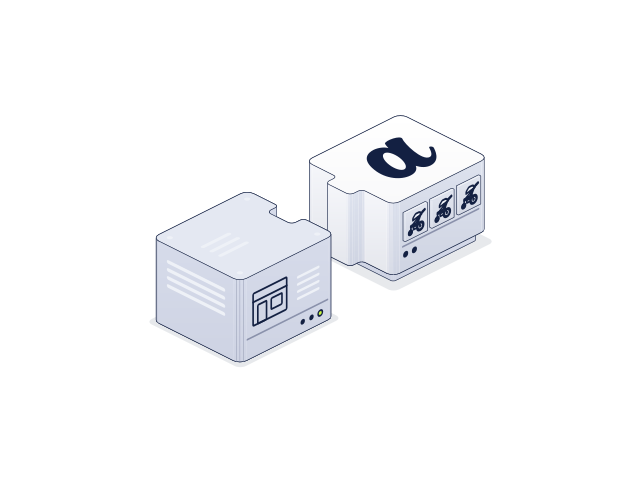
The embed is the integration; the adapter is only the shortcut. A stack that is not on the list still runs the viewer.
Headless storefronts
Next.js, Nuxt, Hydrogen and composable commerce embed the viewer directly through the Catalogue script or iframe. Variant state passes through a small client API, branding through data attributes. Loading, AR routing and analytics are handled Catalogue-side.
Any content system
The embed is CMS-neutral: WordPress, TYPO3, Contentful, Storyblok, Sanity or a custom headless setup.
- Enterprise
Custom API
For PIM-heavy setups, bidirectional PIM sync, SSO and deep analytics joins run through a custom API integration, so the SKU-to-asset relationship lives in your system of record.
Signed off once. Current everywhere.
One-line install. Variant-linked. AR-ready.
Tell us your shop system and your PIM. We confirm the adapter, the mapping and the timeline: usually one week from decision to live.